
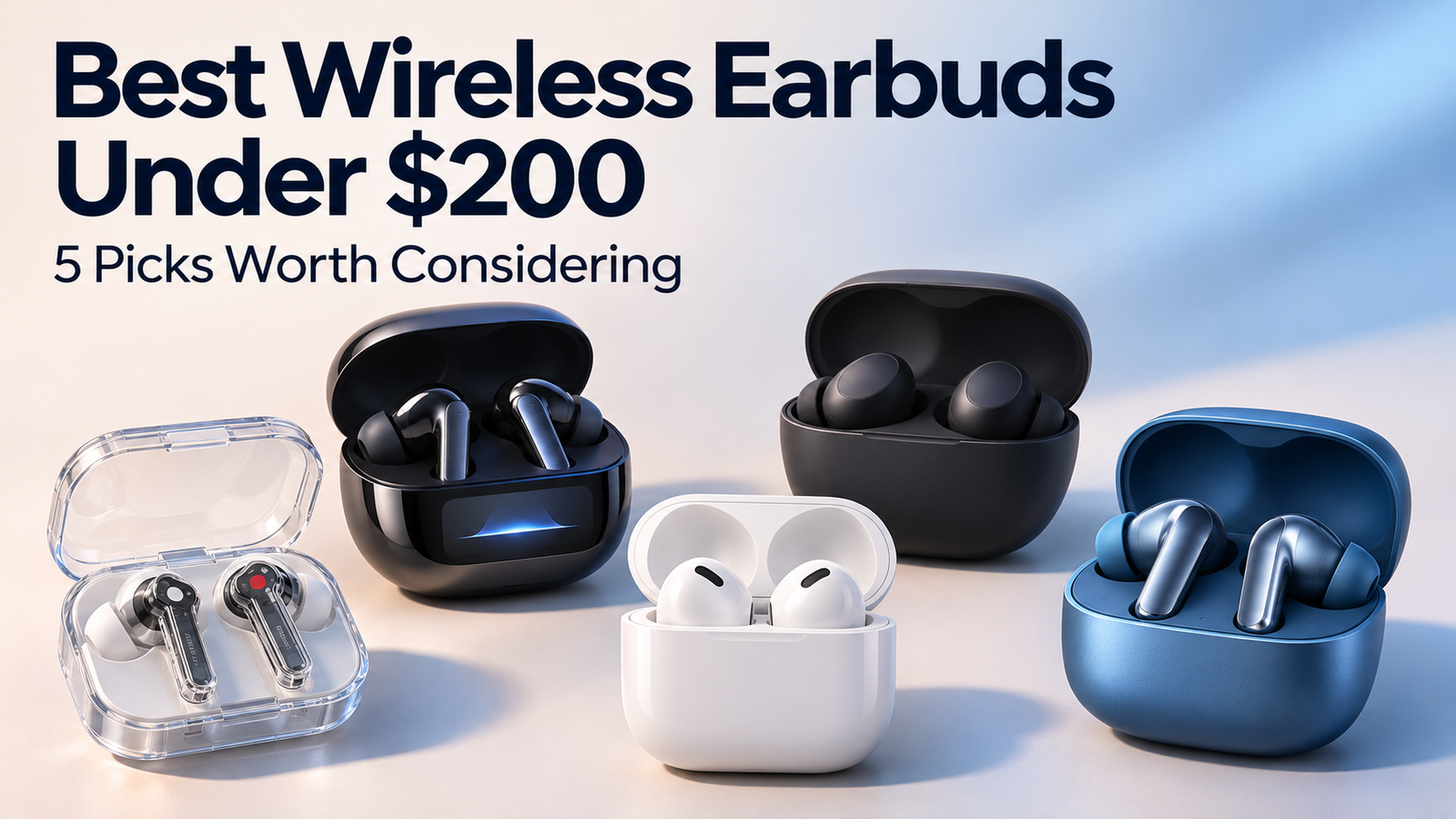
Finding the best wireless earbuds under $200 starts with knowing what you need from them. A frequent traveler may care most about noise cancellation. Someone who spends hours listening to music might prefer detailed sound controls. For others, the deciding factor is simply whether the earbuds feel comfortable.
This guide compares five models available in 2024, with options for sound customization, noise control, open-fit comfort, and smaller budgets. Prices are original US pricing references from that period, rather than current offers. The comparison draws on published specifications and research, rather than firsthand testing.
Compare the Best Wireless Earbuds Under $200
| Model | Original US price | Main appeal | Rated battery per charge | Main trade-off |
|---|---|---|---|---|
| Nothing Ear, 2024 model | $149 | Extensive sound customization | Up to 5.2 hours with ANC | Shorter ANC listening time |
| Soundcore Liberty 4 Pro | $129.99 | Broad feature set for the price | Up to 7.5 hours with ANC | Extra case controls may not matter to everyone |
| Bose QuietComfort Earbuds, 2024 model | $179 | Noise control and adjustable fit | Up to 8.5 hours advertised | Similar product names make generation checks essential |
| AirPods 4 with ANC | $179 | Open fit for iPhone users | Up to 4 hours with ANC | Fit cannot be adjusted with interchangeable tips |
| OnePlus Buds 3 | $99.99 | Useful features near $100 | Up to 6.5 hours with ANC using AAC | No wireless case charging |
Battery figures are manufacturer-rated maximums. Volume, calls, audio settings, and listening conditions affect actual runtime. Bose’s advertised figure also uses its own testing conditions, so these numbers should guide expectations rather than serve as a controlled performance ranking.
Nothing Ear: For Listeners Who Want More Control Over Sound
The 2024 Nothing Ear is worth considering if you regularly adjust the sound of your headphones. Perhaps you prefer stronger bass for workouts but a lighter balance when listening to acoustic music. Perhaps vocals sound too recessed with the default settings.
The Nothing X app gives you an advanced equalizer and a personal sound profile. That flexibility is the main reason to put this model on your shortlist: you can experiment with the presentation instead of relying entirely on factory tuning.
Nothing Ear also supports LDAC and LHDC, alongside AAC and SBC. Using the advanced codecs requires a compatible device, so check your phone before treating those features as a reason to buy.
Wireless charging and dual connection add convenience beyond music playback. The limitation is endurance: rated listening time with active noise cancellation is up to 5.2 hours per charge.
Choose Nothing Ear if: You enjoy adjusting your sound and want wireless charging.
Consider another option if: Long, uninterrupted listening sessions with ANC matter more than customization.
Soundcore Liberty 4 Pro: For Buyers Who Want Plenty of Features
The Soundcore Liberty 4 Pro combines several useful conveniences at an original price of $129.99. Its charging case includes a display and touch bar that let you adjust noise cancellation without reaching for your phone.
The fit options deserve equal attention. Soundcore supplies six sizes of ear tips and includes a fit test in its app. Having more sizes to try can help you find a seal that stays comfortable while preserving bass and noise isolation.
The earbuds carry an IPX5 water-resistance rating. That is useful protection for everyday activity, although it should not be treated as permission to submerge them.
Battery life is rated at up to 7.5 hours with ANC enabled or ten hours with ANC off. For a commuter who wants to listen before and after work, the ANC figure is the more relevant starting point.
The case controls are convenient if you use them regularly. Before making them the deciding factor, make sure the earbuds themselves fit comfortably and respond well to your usual controls.
Choose Liberty 4 Pro if: You want adjustable fit, useful battery life, and several convenience features.
Consider another option if: You prefer a simpler setup and would rarely use the additional case controls.
Bose QuietComfort Earbuds: For Noise Control and Fit Adjustment
The 2024 Bose QuietComfort Earbuds belong on the shortlist for listeners who prioritize reducing distractions during travel or work.
They combine adjustable noise cancellation with interchangeable ear tips and stability bands. Those separate fit adjustments give you more ways to balance comfort and security. Try the available combinations while walking and talking, since a fit that feels fine at a desk may shift during movement.
Bluetooth multipoint supports connections to multiple devices, making it useful for a phone-and-laptop routine. Wireless charging and IPX4 water resistance round out the everyday features.
Check the generation carefully before buying. QuietComfort Earbuds, QuietComfort Earbuds II, and QuietComfort Ultra Earbuds are different products. A listing’s shortened title may not tell you which one you are getting.
Choose Bose QuietComfort Earbuds if: Noise control is a priority and you want several ways to adjust the fit.
Consider another option if: Your main interest is advanced audio customization or spending closer to $100.
AirPods 4 With ANC: For iPhone Users Who Dislike Silicone Tips
Many earbuds rely on silicone tips to create a seal inside the ear canal. If you dislike that sensation, AirPods 4 with ANC offer an alternative.
Their open-fit design avoids interchangeable sealing tips. For iPhone users who already prefer this shape, that can be more valuable than a longer specification list.
The ANC version includes active noise cancellation, transparency mode, Adaptive Audio, and a wireless charging case. Check the product name when shopping: the standard AirPods 4 and the version with ANC are separate models.
The fixed shape creates a clear trade-off. You cannot solve a loose or uncomfortable fit by switching to a different tip size. A return policy is especially useful if you have not tried this design before.
Battery life also deserves attention. Apple rates listening time at up to four hours with ANC enabled, so longer sessions will require a charging break.
Choose AirPods 4 with ANC if: You use an iPhone and prefer earbuds without silicone tips.
Consider another option if: You need adjustable fit or longer continuous ANC playback.
OnePlus Buds 3: For Keeping the Budget Near $100
The OnePlus Buds 3 show why spending the full $200 is optional. Their original $99.99 price includes ANC, dual drivers, touch volume controls, and dual connection.
The earbuds have IP55 protection, while the case charges through USB-C. Wireless charging is absent, which matters mainly if a charging pad is already part of your routine.
Codec support includes LHDC, AAC, and SBC. As with Nothing Ear, compatibility depends on the connected device. An Android phone does not automatically support every available feature.
The battery specifications illustrate another trade-off: OnePlus rates ANC playback at up to 6.5 hours using AAC, compared with 5.5 hours using LHDC under its stated conditions. Your preferred audio settings can therefore affect how often you need the case.
Choose OnePlus Buds 3 if: You want ANC and practical controls while keeping spending near $100.
Consider another option if: Wireless charging is a feature you use daily.
How to Choose Earbuds That Fit Your Routine
Start with comfort
Wear the earbuds long enough to notice pressure, slipping, or irritation. With models that use interchangeable tips, try several sizes. Your left and right ears may need different sizes.
A secure seal also affects sound and noise isolation. Check the fit before deciding that the bass is weak or that you need a major EQ adjustment.
Compare continuous listening time
Charging-case totals describe several listening sessions with recharges between them. They do not tell you how long the earbuds will last during one journey or work session.
Compare ANC-on figures if that is how you plan to listen. For frequent meetings, check talk-time specifications separately from music playback.
Try your usual calls and device switching
Connect the earbuds to the phone and laptop you actually use. Test switching between music and a meeting, and confirm that your calling app selects the correct microphone.
Make a normal call in your usual surroundings. Microphone counts and feature names alone cannot establish how clearly another person will hear you.
What to Check Before Buying an Older Model
For models from 2024, the original price is a reference point. Compare the actual offer with other available options before deciding whether it represents good value.
Check the exact generation, whether the unit is new or refurbished, the warranty, and the return policy. Confirm that replacement tips are available if the design uses them, and include delivery and tax when calculating your budget.
During the return period, use the earbuds for a full commute, a longer listening session, and a typical call. Note comfort, connection reliability, and battery life with your preferred settings. Those everyday checks will tell you more about their suitability than a feature list alone.
